Best AI Mecha Transformation Video Generator in 2026
 AI Mecha Transformation Team
How to judge an AI mecha transformation video generator in 2026: identity retention, assembly readability, native audio, honest refunds on failed renders, and a real credit cost per clip instead of a token allowance.
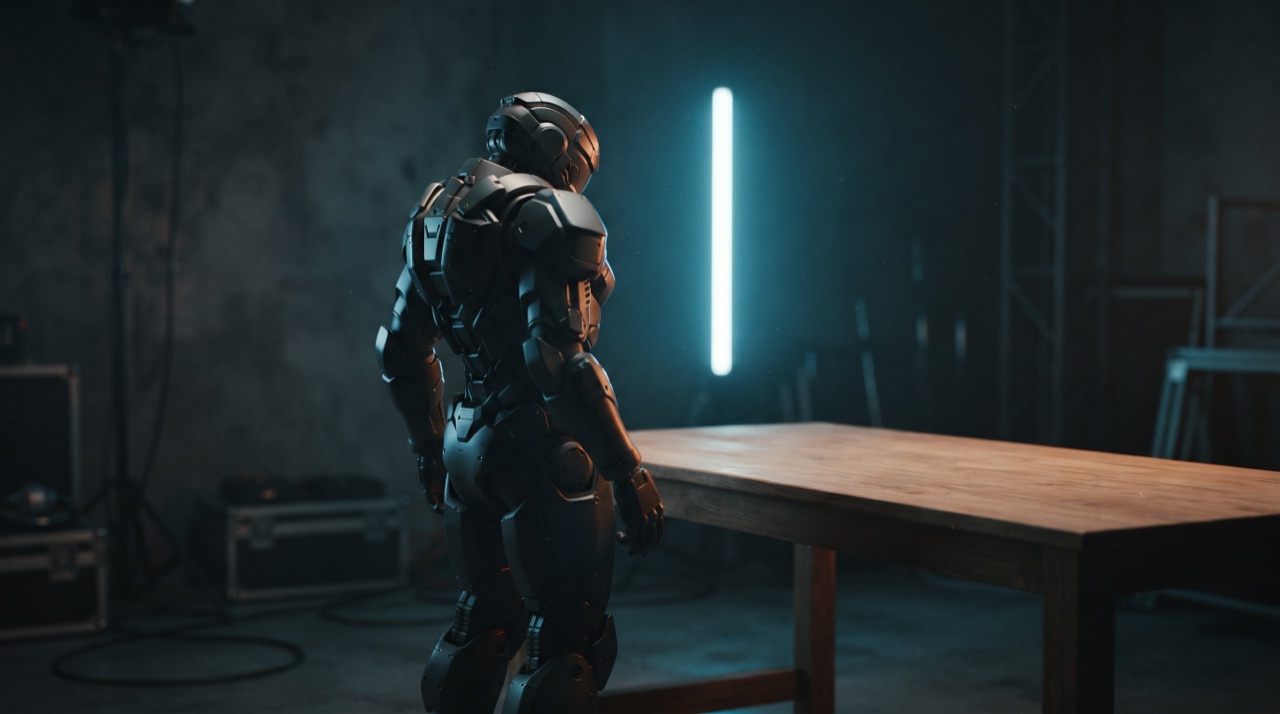
Best AI Mecha Transformation Video Generator in 2026
Every tool in this category claims the same three things: photo in, transformation out, no prompt writing. The difference between a generator you keep using and one you abandon after two renders is not the marketing page — it is what happens on the fourth render, when the face has drifted or the chest plate has grown a second arc reactor and you need to know why.
This page is the buying checklist. It compares the properties that decide whether the best AI mecha transformation video generator for your use is the one you are looking at, with the studio on this site used as the worked example because its numbers are public.
The six things that actually decide the result
| Property | What it means | Why it decides the outcome | | ---------------------- | ---------------------------------------------------------------------- | ---------------------------------------------------------------------------------------------------------- | | Identity retention | Face, hair, skin tone and build survive the transformation | This is the entire promise of the format. If the person changes, the clip is a robot video, not your video | | Assembly readability | Plates close in a visible order, with seams and hinges | Distinguishes a transformation from a filtered crossfade | | Image conditioning | A real reference photo drives the first frame | Presets plus a photo beats presets alone, because the photo supplies the geometry | | Native audio | Mechanical sound generated with the picture | Half of the "transformation" feeling is hydraulic. Silent clips get scrolled | | Cost per finished clip | Credits tied to resolution and length, shown before you press Generate | A generator that charges for attempts has a hidden price | | Failure handling | Failed renders refunded, job status polled honestly | Determines whether experimenting is cheap or punishing |
There is no seventh row for "number of models". A generator that offers eleven models is shopping, not a workflow. One good model with the right conditioning beats a menu.
Why identity retention is the whole game
The format only works if the viewer believes the person in the armour is the person in the photo. That belief is fragile. The model has to keep a face consistent while the body around it is being rebuilt — new shoulder volume, new chest silhouette, a helmet that may or may not cover the face.
Where generators differ:
- Anchoring strength. Some tools accept a photo and treat it loosely as a style hint. The result looks like a generic person in armour. The fix is a pipeline that keeps the reference pinned as the first frame rather than as decoration.
- Prompt discipline. The instruction that matters most is the boring one — keep the face, hair, skin tone and build exactly as photographed, the armour assembles around the same person. Presets that include that sentence render stable clips far more often than prompts that only describe the armour.
- Framing sensitivity. A model that holds identity at mid-shot may still drift at a full-body wide, because the face occupies fewer pixels. Knowing the framing limits of the model is worth more than knowing its name.
You can test any generator in one render: upload a photo with a distinctive feature — a specific hairstyle, a mole, an asymmetric haircut — and watch that feature for the full clip. If it survives to the last frame, the anchoring is real.
Assembly readability, and why most clips fail it
A transformation reads as mechanical only when the viewer can track the mechanism. Three prompt-level rules produce it, and every serious preset encodes them:
- Name the order. "Plating erupts from the wrist and sweeps up the forearm, then the chest plate rises and locks, then the visor closes." Ordered language is what turns a pile of metal into an assembly line.
- Name the hardware. Seams, hexagonal scales, hinges, locking collars, sparks, the visor seating with a click. The model renders what you describe; "cool armour" gives it nothing to animate.
- One dominant action. A shot that asks for a touch, a walk, a head turn and a power-up will smear. The generated frames get split across four demands and nothing reads.
Here is the assembly from one of the studio presets, rendered from one uploaded photo — the order of plates is the exact order the prompt asks for.
Dieser Clip: 30 Credits · 6 Clips pro Monat für $39.90 (Pro) oder 80 pro Jahr für $319
The cost question, answered with a real number
"Credits" is a delay tactic invented so that no two products can be compared. Convert everything to a price per finished twelve-second vertical clip and the field gets small fast.
| Spec | Length | Credits here | | --------------------------- | ------ | ------------ | | 480p | 12s | 5 | | 720p — the "standard video" | 12s | 10 | | 1080p — the studio default | 12s | 30 |
Longer clips scale linearly from those twelve-second rates and round up to the next whole credit. A standard 720p twelve-second clip is 10 credits, because that is the number printed next to every "≈ N videos" claim on the pricing page and it must not move silently. The default render — what one click of Generate actually costs, and the spec the free grant is sized against — is 30 credits at Standard 1080p 12s.
Two checks worth running on any competitor:
- Is the price per attempt or per clip? If a failed render consumes credits, you are paying for the model's bad days.
- Is there a watermarked preview tier? A generator that lets you preview free and charges to remove the mark is charging you for the thing you already made.
What free really buys you
Free access in this category comes in three shapes: a one-off credit grant, a daily drip, or a watermark-and-queue tier. What matters is whether free credits can complete a real render.
- A Google sign-in here grants 30 credits once — enough for exactly one default 1080p clip, or three 720p standard clips, or six 480p tests.
- Email sign-up grants zero immediately and builds a balance through daily check-ins: 10 credits on the first, 20 on the second, 30 on the third, then 10 for each of the next four, one check-in per 24 hours. The drip is deliberately spread over days so a single session cannot fund a 1080p render by refreshing a page.
- Nothing is watermarked. Both free and purchased credits produce clean MP4s, and there is no paid unlock to remove anything.
See the wider breakdown of free tiers, credit grants and pack economics in the free vs paid comparison.
The workflow test
Ignore the feature grid and run this instead. It takes about five minutes and it predicts whether you will still be using the tool next week.
- Upload a hard photo on purpose. Not your best portrait — a normal phone snapshot with a busy background.
- Render at the cheapest resolution. 480p, five credits here. You are testing anchoring, not sharpness.
- Watch only the face. Does it hold through the last plate?
- Now add one extra instruction. "Raining, night, neon behind." Did the pipeline honour it without breaking the face?
- Check the failed-render policy. Cause one failure if you can — an empty prompt, a two-action shot — and confirm the credits come back.
- Compare the final cost. One finished clip at the resolution you would actually publish, not the cheapest tier on the card.
Model choice, briefly
This site ships one model on one tier: Seedance 2.0, through a single provider, with no fallback that silently swaps models mid-render. That decision is deliberate — the preset prompts are written against one model's behaviour, so what the gallery shows is what you get.
If you are weighing the model itself against the rest of the field rather than the wrapper around it, the model comparison goes through the axes that matter for image-to-video: how the first frame is honoured, how audio is generated, and where each approach breaks. And if you are building ad creative rather than personal clips, the brand workflow covers the extra requirements that adds.
FAQ
What is the best AI mecha transformation video generator? The one whose fourth render still looks like your photo and whose failed renders do not cost you credits. Judge it on identity retention, ordered assembly, honest pricing and refunds — not on the length of its model list.
Does the generator need a photo? Photo-in is what makes the format work. Text-only generation is also supported here, but without a reference you get a generic armoured figure rather than your own subject.
Do I need to write a prompt? No. Four presets ship with the model: the carrot touch, the bike suit-up, armour from a phone screen, and a giant robot rise. Each is a complete prompt you can read, copy and edit before spending a credit.
Can I use my own prompt? Yes, and the presets are the template to copy. Keep one dominant action, name the assembly order, and repeat the identity instruction. The prompt guide has the sentence list.
How much does one clip cost? A standard clip — 720p, 12 seconds — is 10 credits; the default 1080p render is 30; a 480p test is 5. The exact cost is recalculated next to the Generate button whenever you change resolution, length or format.
Is there a watermark? No, at any tier. Plans and free credits both produce clean files you can post or edit without cropping.
What happens when a render fails? Credits return to the balance they came from in full, and retrying does not double-charge. If the same prompt fails repeatedly, simplify it — the failure list is ordered by how often each cause shows up.
The tool itself is on the front page — upload one photo, pick a preset, and the first render comes out of the free credits.